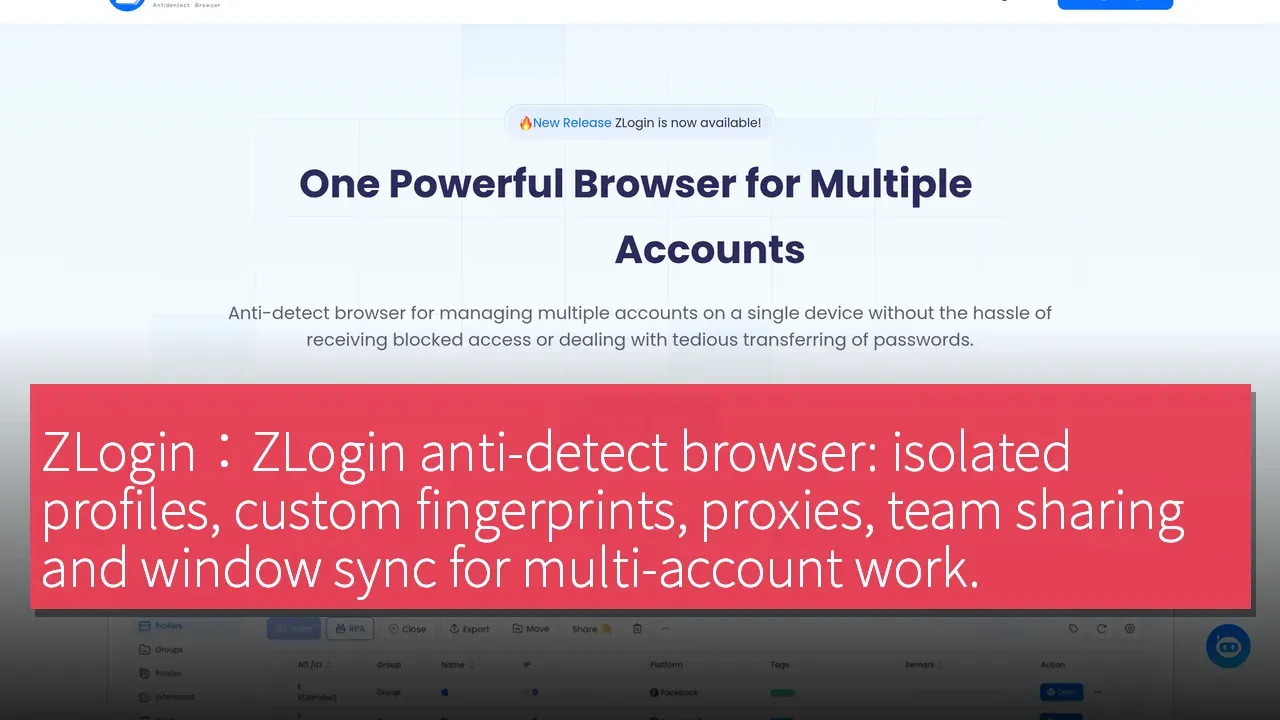

ZLogin is an anti-detect browser specifically designed for multi-account management, offering unique features to meet user needs. According to the developers, ZLogin provides isolated browser configurations, over 20 custom fingerprint options, proxy servers for each configuration, team sharing capabilities, multi-window synchronization, and no-code RPA (Robotic Process Automation). The product follows a Freemium pricing model and supports macOS and Windows platforms. Users can visit the official ZLogin website for more information.
Finding a Unique Position in a Competitive Market
As digitalization accelerates, many users face challenges in managing multiple accounts, especially with the increasing number of social media and online services. While there are several similar products on the market, they often fail to meet users' privacy and security needs. ZLogin has emerged to address these pain points by providing a dedicated anti-detect browser for multi-account management. The developers emphasize that ZLogin's unique selling points are its isolated browser configurations and custom fingerprint options, allowing users to switch securely between different accounts.
Features and User Experience
ZLogin offers a range of powerful features aimed at enhancing the multi-account management experience for users. Firstly, the isolated browser configurations allow users to create independent environments for each account, effectively avoiding data crossover and identity recognition risks. Secondly, ZLogin provides over 20 custom fingerprint options, enabling users to set different identity characteristics based on their needs, further enhancing privacy protection.
Additionally, ZLogin supports proxy servers for each configuration, meaning users can choose suitable network environments based on different account requirements. The team sharing feature allows multiple users to collaborate effectively. The multi-window synchronization feature enables users to switch quickly between different windows, maintaining workflow continuity. Finally, the no-code RPA functionality allows users to easily automate repetitive tasks, further improving work efficiency.
Flexible Pricing Strategy
ZLogin adopts a Freemium pricing model, meaning users can access basic features for free and choose to upgrade to a paid version for more advanced functionalities as needed. This flexible pricing strategy allows ZLogin to attract more users, particularly those who require multi-account management but are hesitant to invest money upfront.
In-depth Competitor Comparison
While specific competitors in the multi-account management market for ZLogin are not detailed, it can be inferred that challenges arise from other similar anti-detect browsers and multi-account management tools. This is crucial for users who need to protect their privacy. Additionally, ZLogin features team sharing and no-code RPA capabilities.
Getting Started
The process of using ZLogin is relatively straightforward, with the following steps:
- Visit the product website https://www.zlogin.com/.
- ZLogin is a free-to-use anti-detect browser for macOS and Windows, designed for multi-account work.
- Utilize isolated browser configurations.
- Set up custom fingerprints (over 20 options) and proxy servers for each configuration.
- Make use of team sharing, multi-window synchronization, and no-code RPA.
The above steps cover the basic process of using ZLogin, with no additional setup steps required.
Target User Group
The features provided by ZLogin focus primarily on multi-account management.
Product Name: ZLogin
Official Website: https://www.zlogin.com/
Supported Platforms: macOS, Windows
Pricing: Freemium
TechRitual 企業科技編輯部(香港)。biz.techritual.com 的外語版本由繁體中文原文翻譯。
