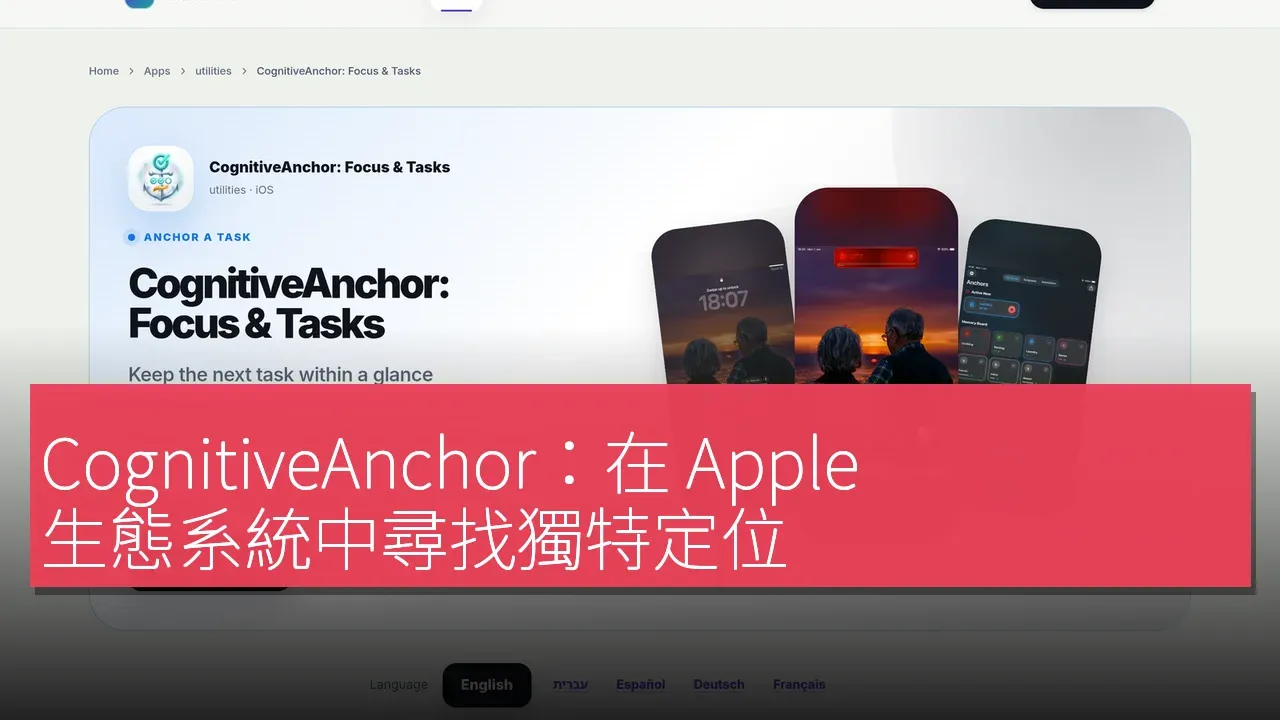

CognitiveAnchor is a productivity application developed by independent developer Gal Itach at Valorem, designed specifically for iPhone and iPad. The purpose of this app is to transform tasks into visible prompts, displaying countdown timers, ready-made templates, and widgets on supported Lock Screens, Dynamic Islands, and Home Screens. The design philosophy of CognitiveAnchor is to enhance the visibility of daily tasks, such as keeping learning meetings or other routine tasks in view while using the phone. The app is available for free download and offers a one-time Pro unlock option, allowing users to access more simultaneous prompts, premium templates, and custom text. According to the developer, this is a convenience tool rather than an emergency alert or medical device, and it does not guarantee task completion.
Finding a Unique Position in the Apple Ecosystem
Similar productivity tools on the market, such as Apple Reminders and Apple Clock timers, are familiar alternatives that the developer emphasizes do not claim to surpass. CognitiveAnchor focuses on combining visible task prompts, countdown timers, and template-based setups, which function effectively across supported Apple system surfaces. The app's design also includes optional device location prompts and offers a one-time Pro unlock option, all of which contribute to its unique design philosophy. Editors should independently compare various features and applicability, without claiming any universal superiority or productivity benefits.
Integration of Features and User Experience
CognitiveAnchor offers a range of features aimed at enhancing the user experience in daily task management. First, users can select from ordinary task templates within the app, designed to be simple and user-friendly, enabling quick onboarding. Secondly, the app allows users to set task durations and visualization options, then activate a prompt. These prompts will display on the user's device-supported surfaces, whether Lock Screen, Dynamic Island, or Home Screen. Users can also choose to enable optional alerts, which will be processed based on user permissions and operating system conditions. Finally, users can experience the features of the free version before considering the one-time Pro unlock.
Pricing Strategy and Market Competition
CognitiveAnchor adopts a freemium pricing model, allowing users to download the app for free. In the Hong Kong App Store, the one-time unlock for the Pro version costs HK$68, a price that may vary by region. Compared to other competitors, such as Apple Reminders and Apple Clock timers, the Pro unlock option offered by CognitiveAnchor does not require a subscription, making it an attractive choice for users looking to make a one-time investment.
In-Depth Comparison with Major Competitors
When comparing CognitiveAnchor with Apple Reminders and Apple Clock timers, distinct design orientation differences become apparent. Apple Reminders focuses more on task organization and reminders, while Apple Clock timers emphasize time management and timing functions. In contrast, CognitiveAnchor's design philosophy aims to visualize tasks and provide intuitive prompts on the user's device, allowing users to maintain focus on tasks while using their phones. These users need to stay aware of their tasks in daily life.
Step-by-Step Onboarding Process
The onboarding process for using CognitiveAnchor is relatively straightforward, with the following steps: First, open the official App Store listing and check device compatibility to ensure it is iOS or iPadOS 18.6 or later. Next, download the app and select an ordinary task template. Then, set the duration and visualization options, and activate a prompt. Users can view the prompt on supported device surfaces; if they wish to receive optional alerts, they need to enable the relevant permissions. Finally, users can experience the features of the free version before considering the one-time Pro unlock.
Other Highlights and Additional Information
The developer of CognitiveAnchor, Gal Itach, is an independent developer from Israel, and this app is not from a Hong Kong company. The developer hopes to receive free editorial consideration, with no guarantee of publication or paid promotion. Notably, CognitiveAnchor supports multiple languages, including English, French, German, Hebrew, Korean, and Spanish, allowing it to attract a broader user base.
Use Case Reminders
For certain professional users or teams requiring advanced features, CognitiveAnchor may not be suitable.
Product Name: CognitiveAnchor: Focus & Tasks
Official Website: https://valorem.ing/apps/pin-it-cognitive-anchor
Supported Platforms: iOS
Pricing: Free download; optional one-time Unlock Everywhere PRO is HK$68 in the Hong Kong App Store (checked 30 October 2026). Prices vary by region. No subscription for this unlock.
iOS App Store: https://apps.apple.com/hk/app/cognitiveanchor-focus-tasks/id6774281102?l=en-GB
TechRitual 企業科技編輯部(香港)。biz.techritual.com 的外語版本由繁體中文原文翻譯。
