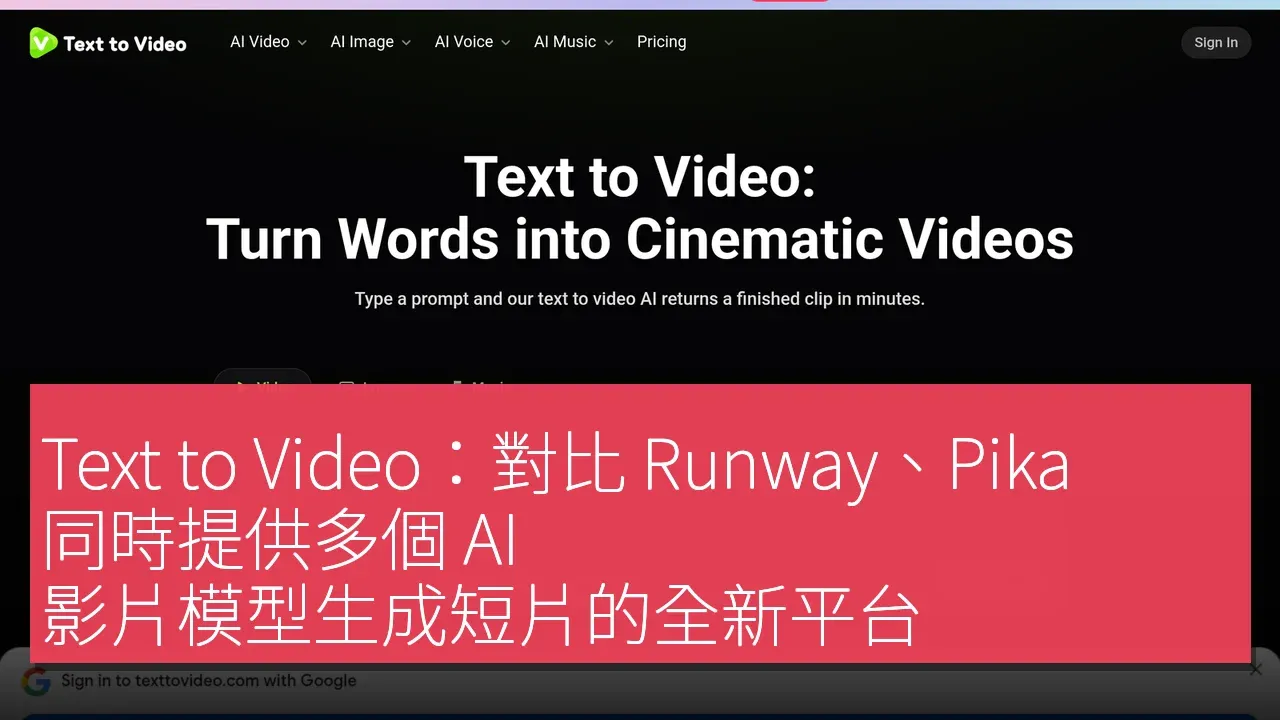

Text to Video (texttovideo.com) is an online AI text-to-video generation platform operated by DeepOasis LLC. Users can generate short videos by simply entering a text description (prompt) on the website, without the need to install any software. The platform features a centralized interface that integrates multiple video generation models. According to the official website, users can currently choose from models such as Seedance, Kling, Veo, Sora, Runway, Hailuo, and Pika, allowing them to compare the effects of different models based on the same description without needing to register on each platform individually. In addition to text-to-video generation, the platform also offers AI avatar and lip-sync video functionalities. It primarily addresses the issue faced by small teams, small shops, and individual creators who "want to create videos but lack filming resources": promotional videos for social media, product scenario visuals, presentations, and instructional videos can all be initially created using text-generated materials, which can then be edited with standard editing software to add subtitles and branding information. Suitable users include content creators, marketers for online stores and small businesses, educators, and general users looking to quickly experiment with different AI video models. The platform allows free registration to start using it, with paid plans available; the availability, generation length, and pricing of each model are subject to change, as indicated on the website. Users are advised to comply with YouTube, TikTok, and Meta's labeling requirements for AI-generated content.
Unique Advantages of Multi-Model Integration
In the current AI video generation market, many platforms such as Runway, Pika, and Kling typically offer services for a single model on their official platforms. While this design is straightforward, it requires users to switch between different platforms, wasting significant time. Text to Video, however, provides an integrated approach with multiple models. Unlike official platforms that only offer a single model, Text to Video consolidates multiple models, including Seedance, Kling, Veo, Sora, Runway, Hailuo, and Pika, into a single web interface, allowing users to directly compare the results of different models using the same text description, thereby saving time on registration and switching between platforms; it also integrates AI avatar and lip-sync video functionalities.
Features and User Experience
Text to Video offers a comprehensive set of features. First, users can register for free on the homepage and start creating once they enter the platform. Users simply need to write a scene description in the input box, ideally including the subject, setting, action, camera angles, lighting, and aspect ratio (e.g., 9:16 vertical). Next, users can select the model they wish to use and generate the video. This process requires no technical background, making it easy for all users to get started.
After generating a video, users can use the same description to switch to other models and generate again, allowing them to compare the effects of different models and choose the most suitable version. Once users are satisfied with the generated short video, they can download it directly and then add subtitles, text, and branding information in editing software before publishing it on social media, ensuring compliance with platform regulations for labeling AI content. This workflow design enables users to quickly and efficiently create videos that meet their needs, particularly suitable for those who "want to create videos but lack filming resources."
Flexible Pricing Strategy
Text to Video's pricing strategy is quite flexible, with free registration available for users to start using the platform, which is undoubtedly a significant attraction for those new to AI video generation. Additionally, the platform offers paid plans, with specific prices subject to adjustments based on the availability of each model, generation length, and fees, allowing users to choose the plan that best suits their needs.
In-Depth Competitor Comparison
In terms of competitors, the primary difference between Text to Video and official platforms like Runway, Pika, and Kling lies in its multi-model integration capability. Text to Video consolidates multiple models, including Seedance, Kling, Veo, Sora, Runway, Hailuo, and Pika, into a single interface, enabling users to directly compare the results of different models using the same description, eliminating the need for registration and switching between platforms.
Text to Video also offers AI avatar and lip-sync video functionalities as part of its available features, expanding users' creative options.
Getting Started Process
The process of getting started with Text to Video is quite simple, with the following steps:
1. Visit https://texttovideo.com/ to register for free.
2. Write a scene description in the input box, ideally including the subject, setting, action, camera angles, lighting, and aspect ratio (e.g., 9:16 vertical).
3. Select the model you wish to use and generate.
4. Use the same description to switch to other models and generate again to compare effects.
5. Download the desired segment, add subtitles, text, and branding information in editing software; remember to label AI content according to platform regulations when publishing on social media.
Target User Groups
The target user group for Text to Video is quite broad, including content creators, marketers for online stores and small businesses, educators, and general users looking to quickly experiment with different AI video models. Content creators can use this platform to rapidly generate promotional or instructional videos. For educators, Text to Video is also a valuable tool for creating instructional demonstration videos to help students better understand course content. Overall, this platform is not only suitable for professionals but also user-friendly for general users, allowing everyone to easily get started.
For users who do not require complex video production processes, Text to Video provides a simple and effective solution, enabling them to focus on creation without worrying about technical issues.
Product Name: Text to Video
Official Website: https://texttovideo.com/
Supported Platforms: Web
Pricing: Free registration to start using; paid plans available (prices as displayed on the official website at the time).
TechRitual 企業科技編輯部(香港)。biz.techritual.com 的外語版本由繁體中文原文翻譯。
