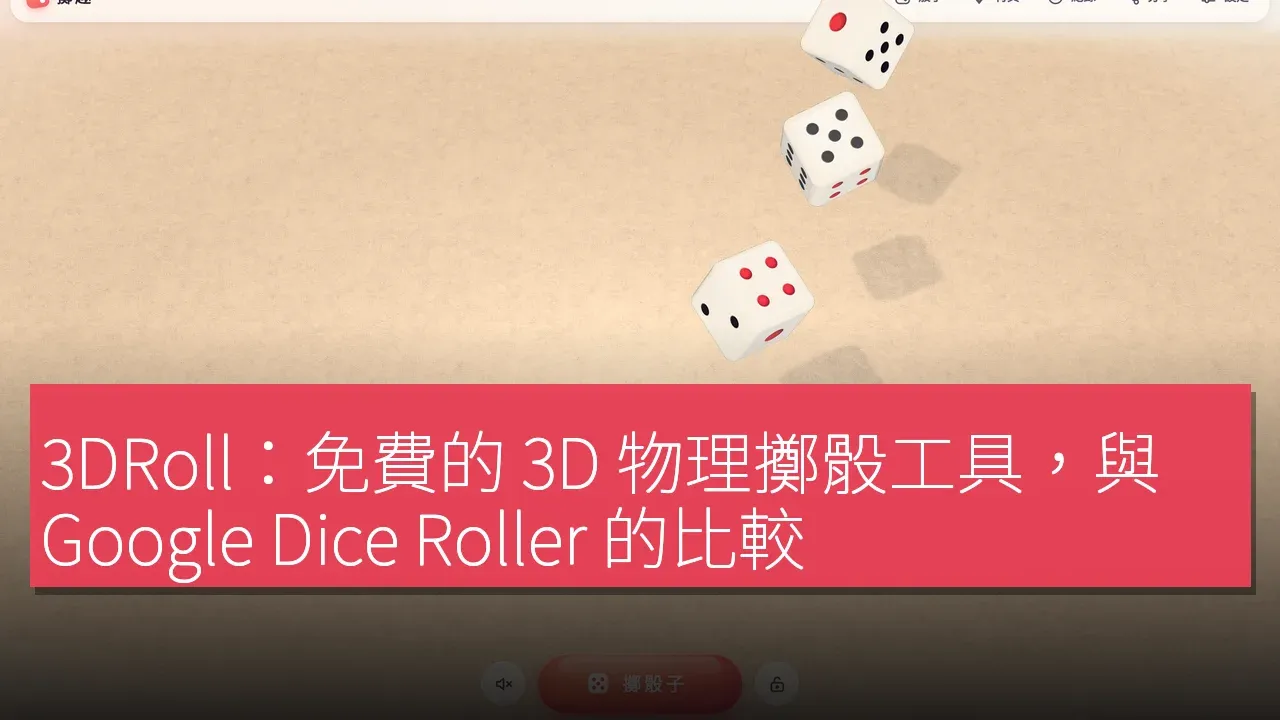

3DRoll is a free online dice rolling tool that offers realistic 3D physical simulation, allowing users to enjoy the experience of rolling dice as if on a real tabletop. The developers emphasize that the unique selling point of this tool is the actual physical simulation replacing simple random numbers, the ability to roll up to 6 dice on mobile devices, inclusion of Yahtzee/Farkle game modes, support for 9 languages, and no registration or advertisements required.
Finding a Unique Position in the Dice Rolling Market
In the current dice rolling application market, many tools provide basic random number generation, but most lack real physical simulation. Users often find that the rolling results from these tools are not realistic enough to bring the fun of tabletop gaming. 3DRoll, with its authentic 3D physical simulation technology, allows dice to roll, tumble, and finally settle on the screen, providing an experience closer to actual dice rolling. Additionally, 3DRoll supports various types of dice including D4, D6, D8, D10, D12, D20, and D100, and can roll up to 6 dice simultaneously, which is a significant advantage on mobile devices. These features make 3DRoll an ideal choice for tabletop gamers, family game enthusiasts, and teachers needing random numbers.
In-Depth Exploration of Features and User Experience
The usage process of 3DRoll is very intuitive. Users simply need to open the 3DRoll website, select the type and number of dice (up to 6), and then click "Roll" or drag the dice to roll. The dice will roll freely on the screen and eventually come to rest. Users can also experience Yahtzee or Farkle modes and can lock dice by clicking on them, adding to the fun of the game. Furthermore, 3DRoll offers a custom dice feature, allowing users to design their unique dice faces. These features not only enhance user interactivity but also increase the variety of gameplay.
Free Pricing Strategy
The pricing strategy of 3DRoll is very straightforward: it is completely free, with no registration required.
Competitive Analysis: Comparing 3DRoll with Market Leaders
In the dice rolling application space, 3DRoll's main competitors include Google Dice Roller, Roll20 dice, Rolz, and dddice. Each of these tools has its advantages. 3DRoll offers multiple game modes, including Yahtzee, Farkle, Ludo, Catan, Monopoly, and Backgammon,
Simple Getting Started Steps
The steps to get started with 3DRoll are as follows: 1. Open the 3DRoll website, whether on mobile or desktop. 2. Select the type and number of dice (up to 6). 3. Click "Roll" or drag the dice to roll. 4. Try the Yahtzee or Farkle page and click on the dice to lock them. 5. Use the custom feature to create dice with your own faces. These steps make it easy for users to get started without a cumbersome registration process.
Target User Groups
For general users, this tool provides a convenient dice rolling solution, especially suitable for family game nights or gatherings with friends. Students can utilize this tool for random selection or games in the classroom, adding fun to their learning experience.
Product Name: 3DRoll
Official Website: https://3droll.com/zh-hant/
Supported Platforms: Web
Pricing: Free, no registration required
TechRitual 企業科技編輯部(香港)。biz.techritual.com 的外語版本由繁體中文原文翻譯。
