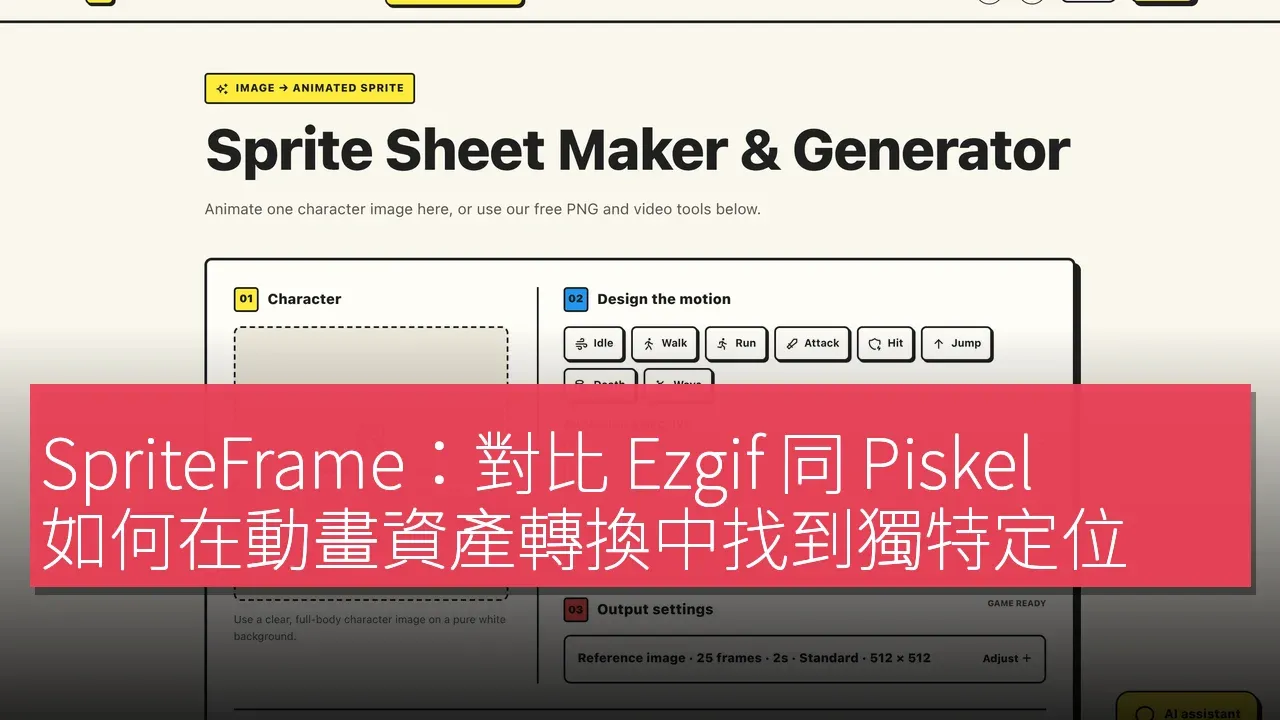

SpriteFrame is a browser-based tool designed for game development and creative work to prepare animated assets. The platform's basic conversion tools can merge a series of PNG frames into sprite sheets, split sprite sheets into individual PNG frames, convert sprite sheet animations to MP4, and convert MP4 clips back into sprite sheets. These converters are free to use and do not require account registration, making them particularly useful for developers or designers who already have frames or clips. The developers emphasize: "SpriteFrame brings PNG frame sequences, sprite sheets and MP4 conversion into one browser toolkit. Its basic converters can be used without an account, while AI animation and background cutout are separate account-and-credit features. This is a description of the workflow, not a claim that competing tools lack any particular capability."
Finding a Unique Position in a Competitive Market
Currently, there are many options for animation asset conversion tools on the market, with Ezgif and Piskel being two well-known competitors. Ezgif offers online animated image editing and conversion features, while Piskel is a browser editor focused on animated sprites and pixel art. These adjacent alternatives each have different scopes, but SpriteFrame's uniqueness lies in its integration of PNG frame sequences, sprite sheets, and MP4 conversion capabilities into a single platform, with basic conversion tools available without an account. This allows developers to easily obtain the required asset formats without adding extra burdens, thereby accelerating the creative process.
User Experience of the Versatile Conversion Tool
The user experience design of SpriteFrame aims to simplify the preparation process for animated assets. Users first need to visit https://spriteframe.com, then select a converter that matches their source and desired output, such as converting PNG frames to sprite sheets or converting sprite sheets to PNG frames. Next, users can upload their source files and configure the available conversion settings. Once the conversion is complete, users can download the results and import the exported assets into their projects, configuring slicing or playback settings in their chosen editor or game engine as needed. This process is not only straightforward but also effectively enhances developer productivity.
Flexible Pricing Strategy
SpriteFrame adopts a freemium pricing model, with its basic PNG frame, sprite sheet, and MP4 converter available for free use without the need to register an account. This allows developers, designers, and content creators to quickly obtain the required asset formats without incurring additional costs. At the same time, the platform also offers AI animation generation and background cropping features that require an account and credits, providing users with more options and flexibility.
In-depth Comparison of Competitors' Strengths and Weaknesses
In comparison with Ezgif and Piskel, Ezgif focuses on editing and converting animated images online, while Piskel is primarily aimed at creating pixel art and animated sprites. In terms of pricing, although SpriteFrame's AI features require an account and credits, this offers flexible options for users who need advanced functionalities.
Simple Onboarding Process
The process of using SpriteFrame is very straightforward, with the following steps: 1. Open https://spriteframe.com. 2. Select the converter that matches the source and desired output, such as converting PNG frames to sprite sheets or converting sprite sheets to PNG frames. 3. Upload your source file and configure the available conversion settings. 4. Perform the conversion and download the results. 5. Import the exported assets into your project, configuring slicing or playback settings as needed in your chosen editor or game engine.
Target User Groups
SpriteFrame primarily targets three types of users: developers, designers, and content creators. For developers, SpriteFrame provides a convenient tool for preparing animated assets for games without cumbersome processes. Designers can utilize its simple conversion features to quickly generate the necessary animated assets, allowing them to focus on the creative process itself. Content creators can easily convert video clips into usable animation formats, enhancing the quality and appeal of their content. Developers emphasize that these tools are designed to streamline workflows, enabling users to concentrate on creativity.
For users requiring advanced features, SpriteFrame's AI animation generation and background cropping functionalities, while requiring an account and credits, offer flexible options for those needing advanced capabilities.
Product Name: SpriteFrame
Official Website: https://spriteframe.com
Supported Platforms: Web
Pricing: Freemium
TechRitual 企業科技編輯部(香港)。biz.techritual.com 的外語版本由繁體中文原文翻譯。
