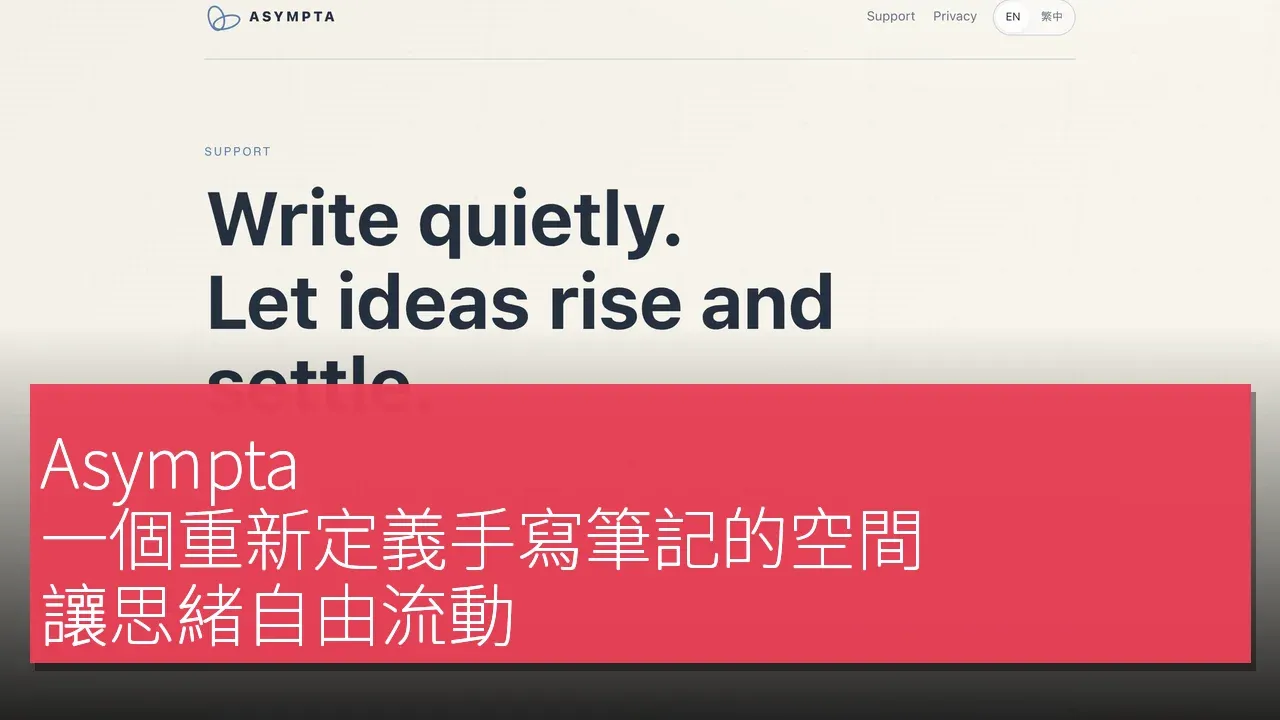

Asympta is an innovative handwriting application designed to change the way users think. Unlike traditional note-taking applications that rely on a structure of pages and folders, Asympta offers an open space where users can freely write on an infinite canvas. Users' past thoughts are not forced to be hidden but can naturally coexist around current thoughts, available for reference at any time. This design not only allows users to follow their thoughts more fluidly but also enables easy review of previous ideas when needed, forming a panoramic view of their thinking. This unique handwriting experience makes Asympta stand out among digital note-taking tools, becoming an ideal companion for thought and creativity.
Redefining the Space for Notes
Asympta poses a simple yet profound question: what if a handwriting application were designed around the act of thinking rather than the organization of documents? Most note-taking applications start with pages, notebooks, and folders, while Asympta is based on an open space that allows users to freely write on an infinite canvas. Users can write using an Apple Pencil, touch, or text, and as they write forward, previous paragraphs gradually settle into the surrounding space rather than disappearing into another page or document. Zooming out allows users to view earlier thoughts as part of the same environment, forming a panoramic view of their thinking, making Asympta closer to a landscape of thought rather than a traditional notebook.
Asympta's visible interface is carefully designed to maintain simplicity. Writing, erasing, moving, focusing, panning, and zooming constitute most of the user experience. Behind this simplicity lies a wealth of engineering support, including Pencil responsiveness, camera behavior, large history rendering, persistence, and gesture recognition. The design of these features not only enhances the user's writing experience but also makes the thinking process more fluid.
Moreover, Asympta considers atmosphere as part of the writing experience. Certain environments utilize file paper, moving leaf shadows, and gentle breezes, while another environment showcases blue skies, slowly drifting clouds, ocean ambiance, and distant bird calls. These elements aim to make the canvas feel like a space for thinking while always prioritizing writing performance and readability. Asympta positions itself as locally prioritized, keeping the core creative tools free, while the Pro version primarily adds resilience in scaling and backups rather than locking the writing experience behind a subscription.
What Sets Asympta Apart from Competitors
The main difference between Asympta and other digital handwriting applications like Goodnotes, Notability, and Apple Freeform lies in its handling of writing history. Developers emphasize that in Asympta, writing history becomes part of the current thoughts, allowing users to avoid frequently stopping to create pages, name notes, or determine the ownership of thoughts. This approach allows earlier writing content to gradually quiet down while still remaining accessible in the space.
Unlike traditional applications, Asympta visually maintains the dominance of current thoughts, while previous contexts are always visible when needed. This design philosophy enables users to remain fluid in their thinking process without worrying that past ideas will be hidden or forgotten. Reports indicate that Asympta does not attempt to win the market by adding the longest list of features but rather explores the different relationships between handwriting, attention, memory, and space, making it unique among similar products.
In summary, Asympta's innovation lies in its integration of writing history, which not only enhances users' thinking efficiency but also makes the connections between thoughts more natural. This open space design allows users to freely write on an infinite canvas, forming a panoramic view of their thinking, thereby redefining the handwriting note-taking experience.
The Technical Architecture and Design Philosophy of Asympta
Asympta, as a native Swift application, is designed with a technology stack aimed at providing a smooth handwriting experience. The application utilizes Core Graphics to build the handwriting canvas and employs Metal for partial sky rendering, ensuring efficient and aesthetically pleasing visual performance. Additionally, Asympta synchronizes on the Apple side through CloudKit/iCloud and uses StoreKit to handle in-app purchases, while Google Drive offers an optional professional backup feature. These technologies are primarily used for data synchronization and backup, such as providing synchronization between Apple devices via iCloud/CloudKit and offering Google Drive as an optional backup option.
In terms of performance, Asympta employs various techniques for handling extensive historical records, including caching geometries, viewport-aware culling, and retaining historical rendering, rather than treating each stored stroke as an equally expensive computation per frame. This design not only enhances the application's operational efficiency but also ensures that users do not interrupt the flow of their thoughts due to performance issues while writing. The developers emphasize that the project includes pressure testing targets, comprising 100 historical contexts, each with up to 100 strokes, which serves as a performance validation workload rather than a user statistic or FPS claim.
The future product direction will focus on the continuous refinement of the core writing experience, including faster dense historical rendering, smoother zooming and navigation, improved Pencil and gesture interactions, and further enhancement of how past writings naturally exist around the current context. These design choices and technical implementations make Asympta an evolving digital note-taking tool, providing users with a more liberated creative space.
Getting Started with Asympta's Handwriting Experience
The process of starting handwritten notes with Asympta is quite simple. First, users need to create a space, after which they can immediately write using Apple Pencil, touch, or text. This flexible starting method allows users to quickly enter a creative state without cumbersome setup processes.
During the writing process, users can pan and zoom the canvas using natural two-finger gestures, making it more intuitive to explore freely on an infinite canvas. As users continue to write, earlier content gradually becomes part of the surrounding spatial history, allowing users to maintain flexibility in their thought processes.
When users wish to refocus on previous ideas, they can easily bring earlier thoughts back into view by double-tapping on the faded content. Additionally, Asympta offers free iCloud synchronization or the option to choose the Pro version for unlimited space and additional Google Drive backup and recovery options, allowing users to adjust their usage according to their needs.
The Freedom of Thought: Asympta's Design Philosophy
The developers emphasize that Asympta was created around a clear goal: to make the writing experience itself exceptionally good. The founder points out that digital writing tools often require users to manage their thoughts before they are fully formed, such as creating notebooks, selecting pages, naming files, and deciding on the categorization of content. However, when users are writing to think, they often do not know which category an idea should belong to, which is precisely the purpose of writing it down. Asympta was born in this tense context, aiming to provide users with a space to immediately record their thoughts and naturally form structure in the subsequent process, rather than forcing users to establish structure first.
Developers explain that while this may sound simple, it makes certain subtle interaction details exceptionally important. For instance, does the ink appear immediately beneath the Pencil? Can the canvas flexibly adjust when the user needs to move, while remaining still during writing? How should previous thoughts be handled once the user moves on to the next idea? How much old context should be retained before memory becomes cluttered? Exploring these questions has consumed a significant amount of development time, far more important than adding another toolbar button. Developers mentioned that an internal principle summarizes this way of thinking: "Experience, not the number of features, is the unit of progress."
Ultimately, Asympta's goal is to make the user interface feel less like operating software and more like a space for free thought. This design philosophy not only enhances the user's writing experience but also makes the thinking process smoother and more natural. Users can write freely on this infinite canvas, revisit past thoughts at any time, and form a complete mental picture, which is the ideal state Asympta strives for.
Asympta's Unique Design Philosophy
A notable feature of Asympta is its deliberate departure from the constraints of traditional pages as a note-taking application. Developers emphasize that Asympta's spatial model is not a visual effect layered on a normal notebook, but rather the core of the product itself. Users' past thoughts coexist with current ideas, and these past thoughts can gradually fade from view, moving into the background, yet can be brought back into focus at any time. This design philosophy can be summarized in one sentence: your past thoughts should surround you without constantly demanding your attention.
The technical complexity of Asympta aims to create less visible complexity, which is also quite striking. The documentation mentions that Asympta's engineering design includes a wealth of technical details, which exist to ensure that users experience less software interference while using it. Writing takes precedence over decorative animations, and navigation takes precedence over background tasks. Historical strokes are cached and cleared, so even if users fill the infinite canvas with memories, the experience remains smooth. The engineering goal is to ensure that complexity is not displayed but successfully hidden.
Asympta views the writing application as a place, which also sets it apart. Contributors describe that Asympta's visual environment allows users to feel different writing atmospheres, such as writing on warm parchment with shadows of trees gently moving and the sound of a breeze in the background; or under a blue sky with clouds floating, accompanied by the sound of waves and distant birds. These environments are not intended for gamification or decoration, but stem from an exploration of whether the digital writing surface can possess the emotional texture of a real thinking space.
In an era of productivity software with constantly growing features, Asympta's development philosophy is almost the opposite. Developers emphasize that even AI features must undergo the same internal testing as other features: does it improve the writing experience without interrupting thought? If not, it will not automatically become part of the application. Asympta's goal is not to reject technology; in fact, there is rich technical support behind this application, but its purpose is to keep technology quiet.
In terms of commercial boundaries, Asympta also exhibits different characteristics. The documentation states that all core canvas, handwriting, editing, and export functions are included in the free plan. The lifetime purchase is primarily about scale and resilience—unlimited space and additional backup options—rather than making the basic creative experience reliant on subscriptions. This application currently also has no advertisements, third-party analytics, or tracking SDK involvement, which makes the user's writing experience more pure.
Finally, the founder of Asympta's dedication to the product is one of its strongest stories. The developers emphasize that Asympta was born from continuously refining details that most product descriptions do not mention, such as the last few pixels of a pencil stroke, the moment a two-finger gesture controls the camera, the duration that writing visually remains present, and what should happen when thousands of old strokes are displayed simultaneously. These details point to a single ambition: not to create a note-taking app with the most features, but to make the process of jotting down thoughts, following them, and reviewing them later feel exceptionally pleasant. In an increasingly software environment optimized for doing more, Asympta is an experiment exploring whether better software sometimes means having users manage less.
Diverse User Base and Product Limitations
Asympta's design aims to attract a diverse user base, including general users, students, designers, and content creators. General users can utilize this open space to record daily thoughts and inspirations, while students can take notes on an infinite canvas, facilitating the fluidity of learning and thinking. Designers can freely draft and conceptualize ideas in Asympta, fully unleashing their creativity, while content creators can present various ideas and concepts visually, enhancing the effectiveness of content expression.
However, according to the data mentioned, Asympta currently does not provide any verified statistics on downloads, active users, revenue, or growth rates. This means that users may not be able to rely on specific statistics to assess its popularity or market performance while using the application. Additionally, Asympta 1.0 entered active App Store submission and review work in 2026, and continued to improve the product and version in September 2026, demonstrating the developers' commitment to product quality and future promise.
Product Name: Asympta
Official Website: https://okok147.github.io/asympta-support/
Supported Platforms: iOS, macOS [H]
Pricing: Asympta is free to download. The Free plan includes all writing, canvas, editing and export tools, local storage, iCloud sync, and up to 3 Spaces. [H]
TechRitual 企業科技編輯部(香港)。biz.techritual.com 的外語版本由繁體中文原文翻譯。
