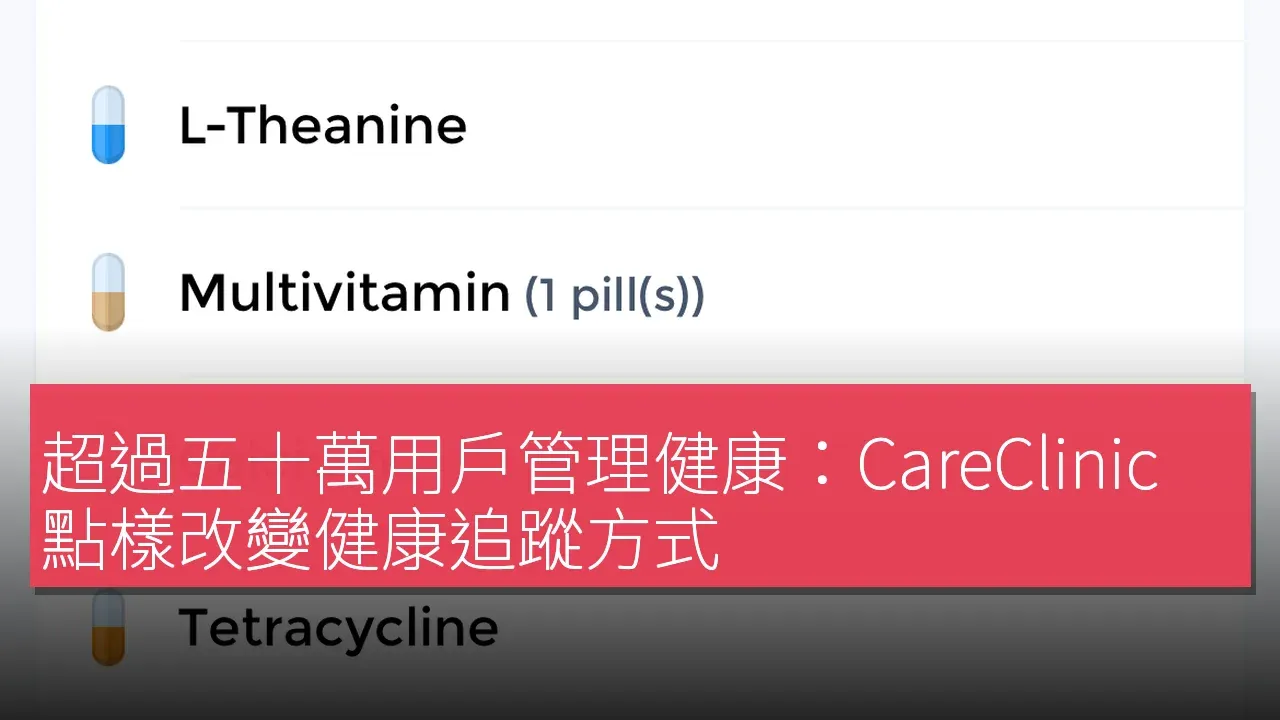

According to App Store data, CareClinic is used by over 500,000 people managing chronic illnesses and health goals. This personal health-tracking app is designed to give users a single platform for managing symptoms, medications, habits, and health records. That number is not just a reflection of CareClinic's market acceptance — it also underscores its impact in the health management space. The developers emphasize that CareClinic combines configurable symptom, medication, habit, and health-record tracking in one app, allowing users to organize and manage their health information more effectively and have more constructive conversations with their care teams.

The Pain Points in Health Management
As lifestyles change, more and more people are facing the challenges of chronic illness, making health management an urgent need. Many users need to record and track multiple health metrics in daily life, yet existing solutions are often fragmented and lack intuitiveness. Traditional health apps like Apple Health and Medisafe offer some functionality, but often fail to meet users' needs for personalization and integration. CareClinic emerged precisely to fill this gap, offering a comprehensive health management tool that lets users complete all their health tracking within a single app.
Data and Results
CareClinic's success is reflected not only in its user numbers but also in how it helps users achieve their health goals. According to App Store data, the app is used by over 500,000 people managing chronic illnesses and health goals. Through CareClinic, these users can set up trackers for symptoms, medication dosages, mood, sleep, nutrition, activity, fluid intake, vital signs, and more, and can create reminders for medications, check-ups, and appointments. These features not only improve users' efficiency in managing their health, but also help them provide accurate health information during meetings with their care teams.
Features and Experience
CareClinic offers a range of powerful features that let users easily manage their own health. First, users can download CareClinic and create a profile, choosing trackers relevant to their health goals. Next, they can add medications, symptoms, measurements, habits, or health records, so that all their health information is kept in one place. Users can also set reminders for medication doses, check-ups, refills, or appointments, ensuring they never miss an important step in managing their health.
In addition, CareClinic provides timelines, charts, and reports to help users identify health patterns and prepare for medical appointments. These features not only improve users' efficiency in managing their health, but also help them provide accurate health information during meetings with their care teams. CareClinic also supports personal health record categories such as allergies, appointments, conditions, care teams, care plans, immunizations, lab and imaging results, and medical documents, giving users a complete picture of their health status.
Pricing Strategy
CareClinic uses a freemium pricing model, letting users download and use the basic features for free. Users can also choose to make in-app purchases to unlock more advanced features. This strategy not only attracts a large number of users, but also lets users choose the features that suit their needs, boosting user satisfaction.
Market Positioning and Competitors
In the health management app market, CareClinic holds a clear advantage over competitors such as Apple Health, Medisafe, and Bearable. The developers emphasize that CareClinic combines configurable symptom, medication, habit, and health-record tracking in one app, letting users complete multiple health management tasks on a single platform without switching between different apps. This integration not only improves the user experience but also allows users to manage their health more effectively.
Getting Started
Getting started with CareClinic is very simple. Here are the specific steps:
1. Download CareClinic from the iOS App Store or Google Play.
2. Create a profile and choose the trackers relevant to your health goals.
3. Add medications, symptoms, measurements, habits, or health records.
4. Set reminders for medication doses, check-ins, refills, or appointments.
5. Review timelines, charts, and reports to identify patterns and prepare for healthcare conversations.
Who It's For
CareClinic's target users are primarily general consumers, especially those who need to manage chronic illnesses or want to build a structured health journal. The developers state that the app is designed for people managing chronic conditions as well as those who want a structured health diary.
Product Name: CareClinic
Supported Platforms: iOS / Android
Pricing: Freemium
TechRitual 企業科技編輯部(香港)。biz.techritual.com 的外語版本由繁體中文原文翻譯。
