

AweSun Remote Desktop is a cross-platform remote desktop and remote control software designed to address users' needs for accessing computers, remote work, file transfer, IT support, and remote gaming across different locations and devices. Compared to competitors such as TeamViewer, AnyDesk, Chrome Remote Desktop, and DeskIn, AweSun not only provides traditional remote desktop control but also integrates remote work, file transfer, remote gaming, IT maintenance, and AI remote automation into a single product. According to the developers, AweSun currently offers new features such as AweSun MCP, password-free remote control, Super Desktop, Flash Transfer, and extended screen. The developers stated that AweSun aims to expand remote control beyond merely connecting and operating another computer, extending it to cross-device work and AI-assisted automation.

Find a Unique Position in a Competitive Market
In today's remote desktop market, many products focus on basic remote connection features, whereas AweSun is positioned to provide a more comprehensive solution. Developers pointed out that the design purpose of AweSun is to meet diverse usage needs, whether it is remote work, IT support, or remote gaming. AweSun can provide corresponding functions for all these scenarios. This software supports multiple platforms including Windows, macOS, iOS, iPadOS, and Android, allowing users to access their devices anytime and anywhere. AweSun's free remote desktop features cover remote control, file transfer, screen sharing, and cross-device control, which are particularly suitable for different groups such as individual users, remote workers, designers, students, and IT technical support personnel.
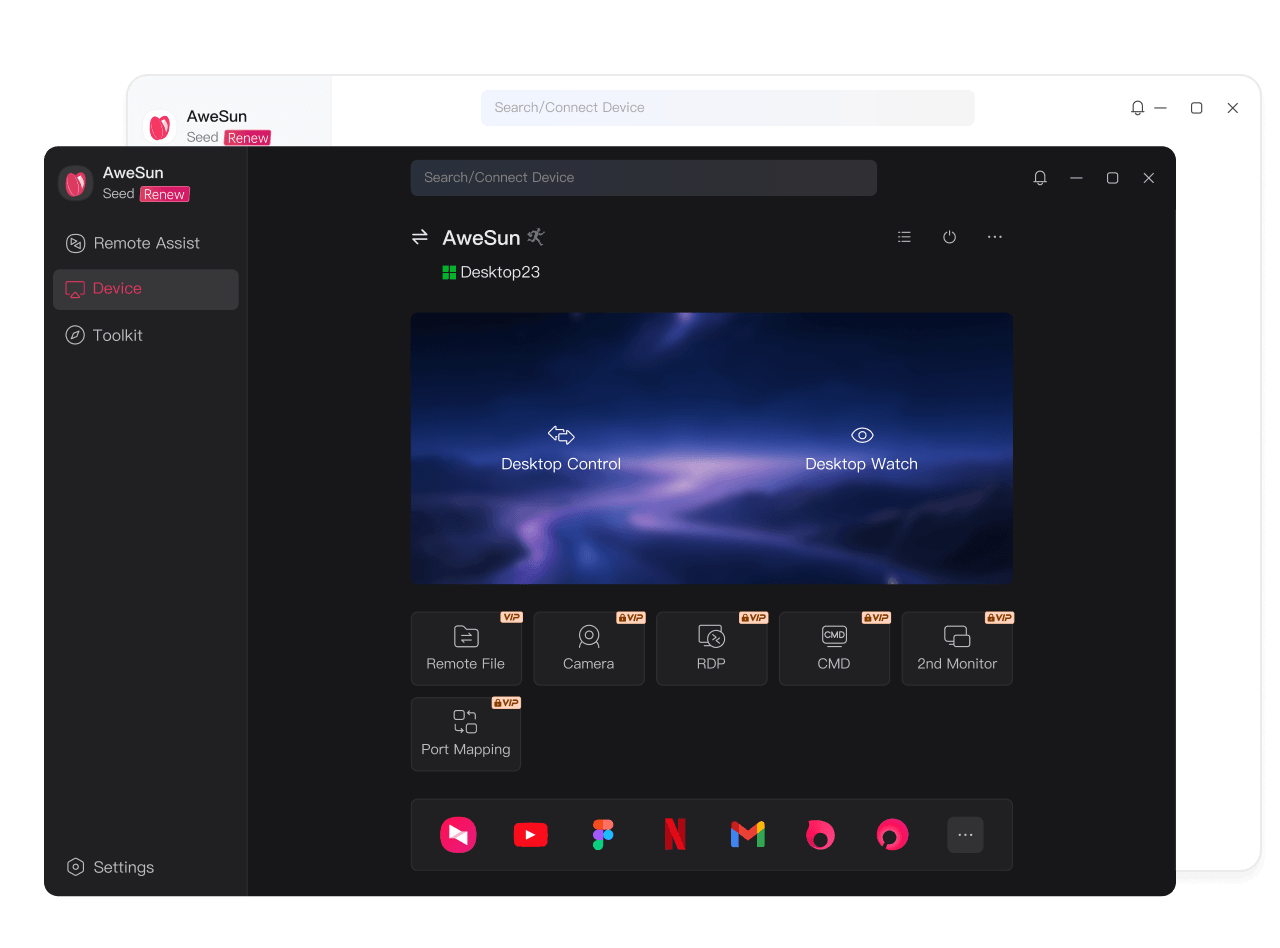
Enhanced Features Improve User Experience
AweSun Remote Desktop's feature design aims to enhance user work efficiency. In remote work scenarios, users can access their office computers from home, during business trips, or when traveling, using the original software, documents, and work environment on
More importantly, AweSun's product features have further expanded into AI and cross-device workflows in recent years, including AweSun MCP, password-free remote control, Super Desktop, Flash Transfer, and extended display. AweSun MCP allows AI agents to invoke remote control capabilities with authorization, assisting in executing remote operations and automation workflows; Super Desktop integrates remote computer applications into the local desktop environment.
Pricing and Packages
AweSun offers free remote desktop functionality, with advanced features available for users who need them. For specific pricing and package details, please refer to the official information.
Deep Competitive Comparison, AweSun's Advantages
In comparison with TeamViewer, AnyDesk, Chrome Remote Desktop, and DeskIn, AweSun's advantages lie in its diversity and integration of features. While TeamViewer and AnyDesk excel in remote control, they mainly focus on basic remote connection functions. In contrast, AweSun not only provides remote desktop control but also integrates remote office, file transfer, remote gaming, and IT maintenance, allowing users to complete multiple tasks on a single platform. Developers note that AweSun's design philosophy is to make remote control not limited to connecting and operating another computer, but extend to cross-device workflows and AI-assisted automation, which is relatively unique in the market.
Simple Onboarding Process
The onboarding process for using AweSun is quite straightforward. Here are the specific steps:
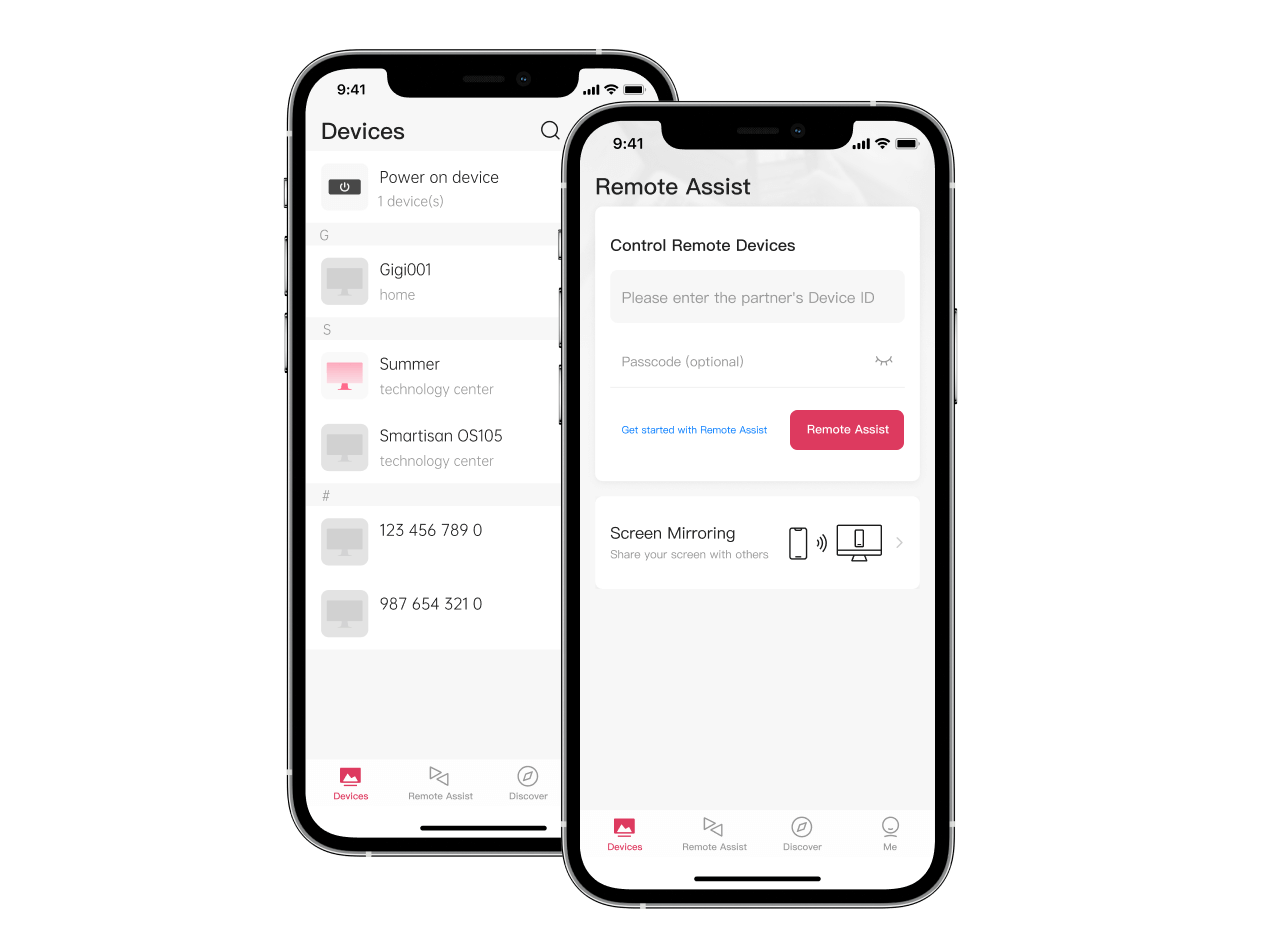
First, users need to download and install AweSun: install the AweSun client on the computers, phones, or tablets that need to be controlled and the ones doing the controlling. Next, log in or create an AweSun account, complete the account login, and add the devices to be used to the account or authorize them. Then, users can find the computer or mobile device they need to connect to in the device list, or establish a remote connection through device ID or similar methods. After the connection is successful, users can operate the remote computer, view the screen, transfer files, or perform tasks. Finally, use advanced features as needed,
Product Name: AweSun Remote Desktop
Supported Platforms: Windows / macOS / iOS / iPadOS / Android
TechRitual 企業科技編輯部(香港)。biz.techritual.com 的外語版本由繁體中文原文翻譯。
