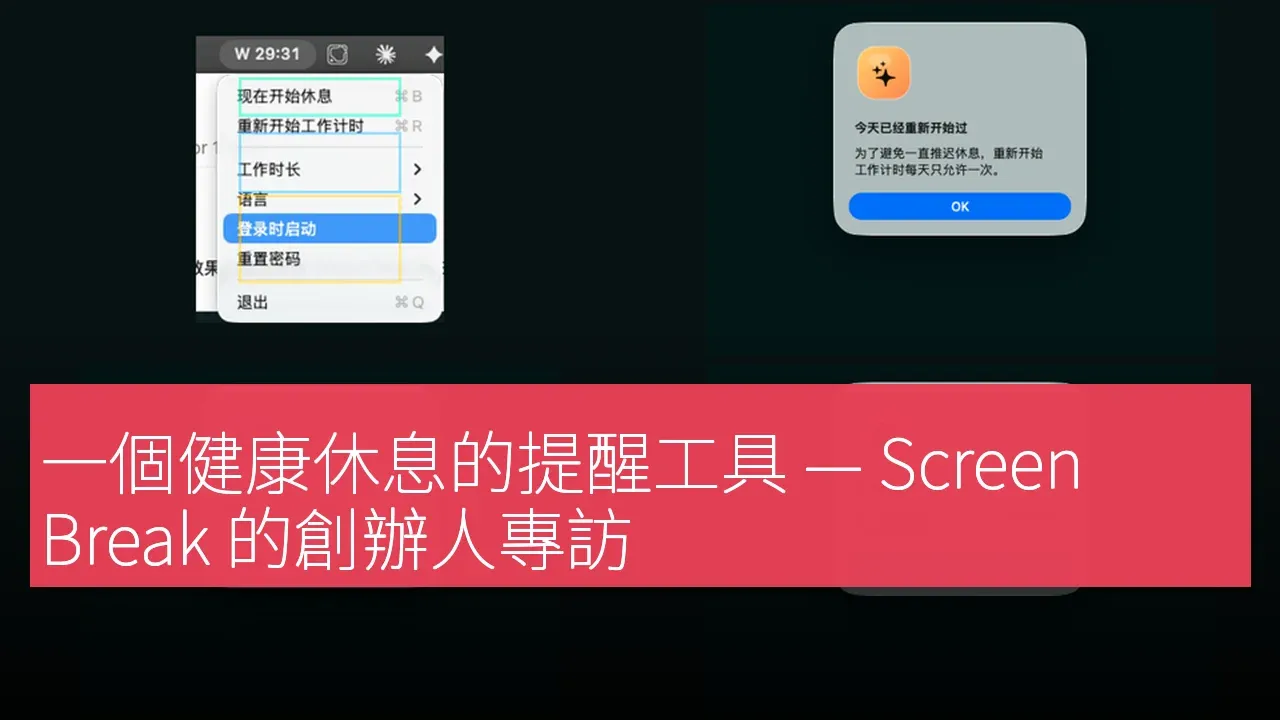

Screen Break is a new macOS application designed for users who need to take healthy breaks during work. The developers state that the app is aimed at those who require more than just negligible notifications but do not want to use cumbersome productivity systems, focusing on gentle resistance, local-first behavior, and practical timing rules suitable for real workdays. The goal of this app is to help users avoid health issues caused by neglecting ordinary timing notifications during busy workdays. According to the developers, the latest version of the app supports Apple Silicon and Intel Macs and is available for free download.

Starting from the Need for Healthy Breaks
When designing Screen Break, the developers were well aware that many users often overlook the importance of taking breaks during long working hours. The article notes that Screen Break combines a calm native macOS menu bar experience with firmer skip limits and practical context awareness. Many break timers are either easy to ignore or too rigid for real work. Screen Break sits in the middle: strong enough to make breaks happen, but smart enough to avoid punishing the user for already being away or for being in a meeting, watching media, presenting, or using a full-screen app. This design allows users to take necessary breaks without interrupting their work.
The main feature of Screen Break is to provide a full-screen break prompt. When users need to pause, the app displays a guiding break interface instead of a simple notification. This design not only clearly indicates the break time but also offers simple breathing and stretching prompts to help them truly step away from the screen. According to the developers, the default rhythm of the app is to work for 30 minutes followed by a 5-minute break, and users can also choose work durations between 30 and 50 minutes.
Functionality and Experience
The process of using Screen Break is quite simple. First, users need to download the macOS application from the official website. After downloading, they should unzip and open Screen Break.app. If macOS's Gatekeeper prompts for confirmation, users need to allow the app to run. Users can select their work duration from the menu bar and keep the app running while working. When the break window appears, they should follow the guided breathing or stretching prompts and return to work after the 5-minute break.
Pricing Strategy
Screen Break is a free macOS application that does not require user registration or the use of cloud services. This free pricing model allows more users to easily access this tool, making it an attractive option, especially for developers and designers who need to work for long hours.
Market Positioning and Competitors
In the market, the main competitors of Screen Break include Stretchly, BreakTimer, and Time Out. Each of these competitors has its own features. The article notes that many break timers are either easily ignored or too strict on users, whereas Screen Break strikes a balance between the two, effectively promoting breaks without disturbing users who are already away from their computers or in busy meetings.
Getting Started
The steps to get started with Screen Break are as follows:
1. Download the macOS application from the Screen Break landing page.
2. Unzip the downloaded file and open Screen Break.app.
3. If Gatekeeper requests confirmation, allow the application to run.
4. Use the menu bar to select a work duration of 30 to 50 minutes.
5. Keep the application running while working. When the break window appears, follow the guided breathing or stretching prompts, and return after a 5-minute break.
Other Highlights and Additions
In addition to its basic functions, Screen Break has several highlights. It is a locally-focused macOS menu bar tool, with a default rhythm of 30 minutes of work followed by a 5-minute break, and supports a universal download format for both Apple Silicon and Intel Macs. Users do not need to create an account, and the core break reminder function runs locally, with anonymous usage statistics enabled by default, which users can disable from the menu bar.
Target User Groups
Screen Break is particularly suitable for developers, designers, general users, and students. For developers who code for long periods, this application can effectively help them maintain a healthy work rhythm; while designers and students can use this application to enhance their work efficiency and avoid fatigue caused by prolonged focus. The developers emphasize that this application is not just about increasing productivity, but also about promoting user health.
Product Name: Screen Break
Supported Platforms: macOS
Pricing: Free
TechRitual 企業科技編輯部(香港)。biz.techritual.com 的外語版本由繁體中文原文翻譯。
