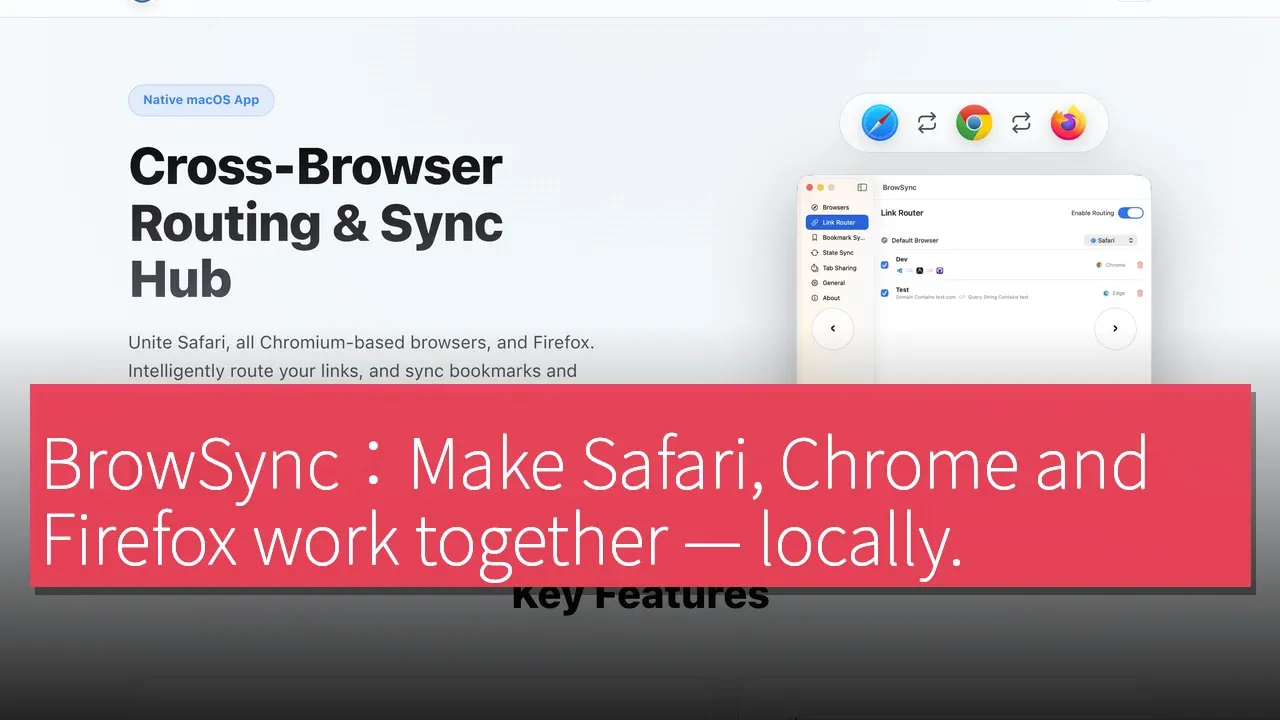

BrowSync is a native macOS application designed to address the cumbersome workflow of switching between multiple browsers. The developer stated that he created BrowSync out of frustration with using Safari for personal browsing, Chrome for work applications, and Firefox for testing or separate account browser setups. He wanted these browsers to work together without having to send browsing data to another cloud service. The product was born out of the need for multi-browser users, especially those who switch between different browsers daily. According to the developer, BrowSync aims to enable users to achieve seamless connectivity between Safari, Chromium, and Firefox without constantly copying links, importing bookmarks, or restarting sessions.
A Solution for Multi-Browser Users
BrowSync is an application specifically designed for macOS users who intentionally use multiple browsers. It addresses the fragmentation of workflows that occur when browsing personally in Safari, using work services in Chrome or other Chromium browsers, and testing or using separate accounts in Firefox. The developer emphasizes that BrowSync combines rule-based URL routing with configurable local-priority multi-browser synchronization. This application can operate between Safari, Chromium browsers, and Firefox, and can choose to synchronize the selected browser states on the user's Mac instead of using an external relay.
Users can route links based on domain names, URL patterns, query strings, source applications, or time; maintain bookmark consistency in real time; view tabs across browsers; and optionally synchronize cookies, local storage, and session storage for selected websites to retain login states. Synchronization strategies include master-slave, last write wins, and bidirectional merging, along with allow/block policies for each site. The developer explained that these rules and settings can be synchronized across the user's Macs via iCloud, and browser data is processed locally on the device rather than relayed through an external BrowSync server.
Features and User Experience
The process of using BrowSync is quite straightforward. First, users need to download BrowSync from the Mac App Store. Next, they enable the built-in Safari extension and install the corresponding extensions for the Chrome and Firefox browsers they use. Then, users can select the browsers to participate and set the default browser routing for automatic link routing. After that, they add routing rules based on domain names, URL patterns, source applications, or time, and choose synchronization strategies for bookmarks, tabs, or the status of each website; sensitive sites can be excluded if necessary. Finally, users can use the menu bar application to monitor and adjust settings.
Pricing Strategy and Competitive Advantage
BrowSync's local-priority design is a significant feature, allowing browser synchronization and routing capabilities without relying on external servers. Compared to competitors in the market such as Choosy, Browser Tamer, and xBrowserSync, BrowSync focuses on processing data and rules on the user's Mac.
Target User Group
The target users of BrowSync are those who intentionally use multiple browsers on their Mac. For these users, BrowSync provides a seamless solution that makes it easier to manage daily browsing activities across different browsers. The developer expressed interest in knowing which part of the workflow is most frustrating for users who use multiple browsers daily.
Product Information
Product Name: BrowSync
Supported Platforms: macOS, Chrome Extension
TechRitual 企業科技編輯部(香港)。biz.techritual.com 的外語版本由繁體中文原文翻譯。
